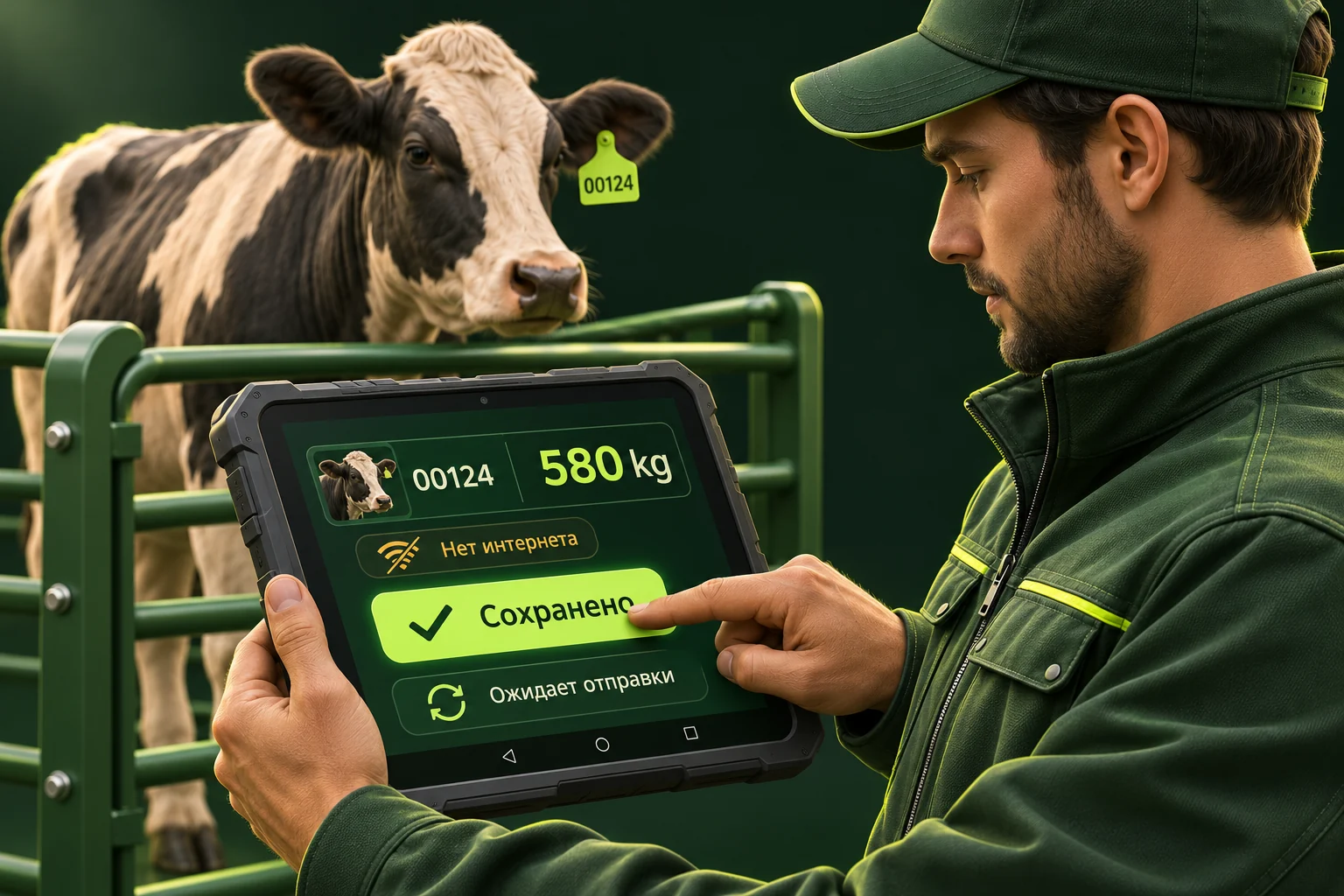
Connectivity should not dictate the working day
A weighing area may have unreliable internet. If every action needs a server, staff return to paper and enter everything again later. VesyFarm works with a saved catalogue and local records. Sync before heading out and check that the correct farm and animals are available on the device.
One lookup for numbers and RFID
The reader sends a code and the app looks up the animal. Without a tag, enter a number in the same field and choose the correct result if several match. RFID status helps distinguish a connected reader from a successfully scanned tag; connection alone does not prove the right tag was read.
How synchronisation works
Sync is attempted when the app opens, after saving a weighing and from the sync button. Pending records are sent first, then the active farm catalogue and up to three recent weighings per animal are updated. Unsent records remain on the device when disconnected. Background sync while the app is closed is not offered.
Before ending a shift
Check the sync result and last successful sync time. Pressing the button does not prove that the server accepted records. Website changes, such as a replacement tag, appear after catalogue refresh. Do not clear app data or uninstall before sending pending records: local storage is not a device backup.
Illustrative workflow
Putting it into practice
Shift example: refresh the catalogue in the morning, weigh animals without internet, then sync after reconnecting and check the success time. The specialist reviews the received records in the web dashboard.
Questions and answers
Does the tablet see the whole company?
It loads the catalogue for the farm assigned to its weighing station. Check that assignment before working.
Is mobile internet required?
Not continuously for local recording. Sync requires the selected server to be reachable over the internet or the company network.