Why Bluetooth alone is not compatibility
Two Bluetooth devices may use different connection methods and data formats. Before buying, identify the indicator model, message format and RFID reader mode. Testing the actual setup is more useful than a promise to support every scale.
Scales and the indicator
Choose a platform or crate for the animals and operating conditions. The app needs a usable data output from the indicator. Verify live readings, units and saved measurements. Software does not replace correct installation, maintenance and checking of the scales.
Reader, tags and tablet
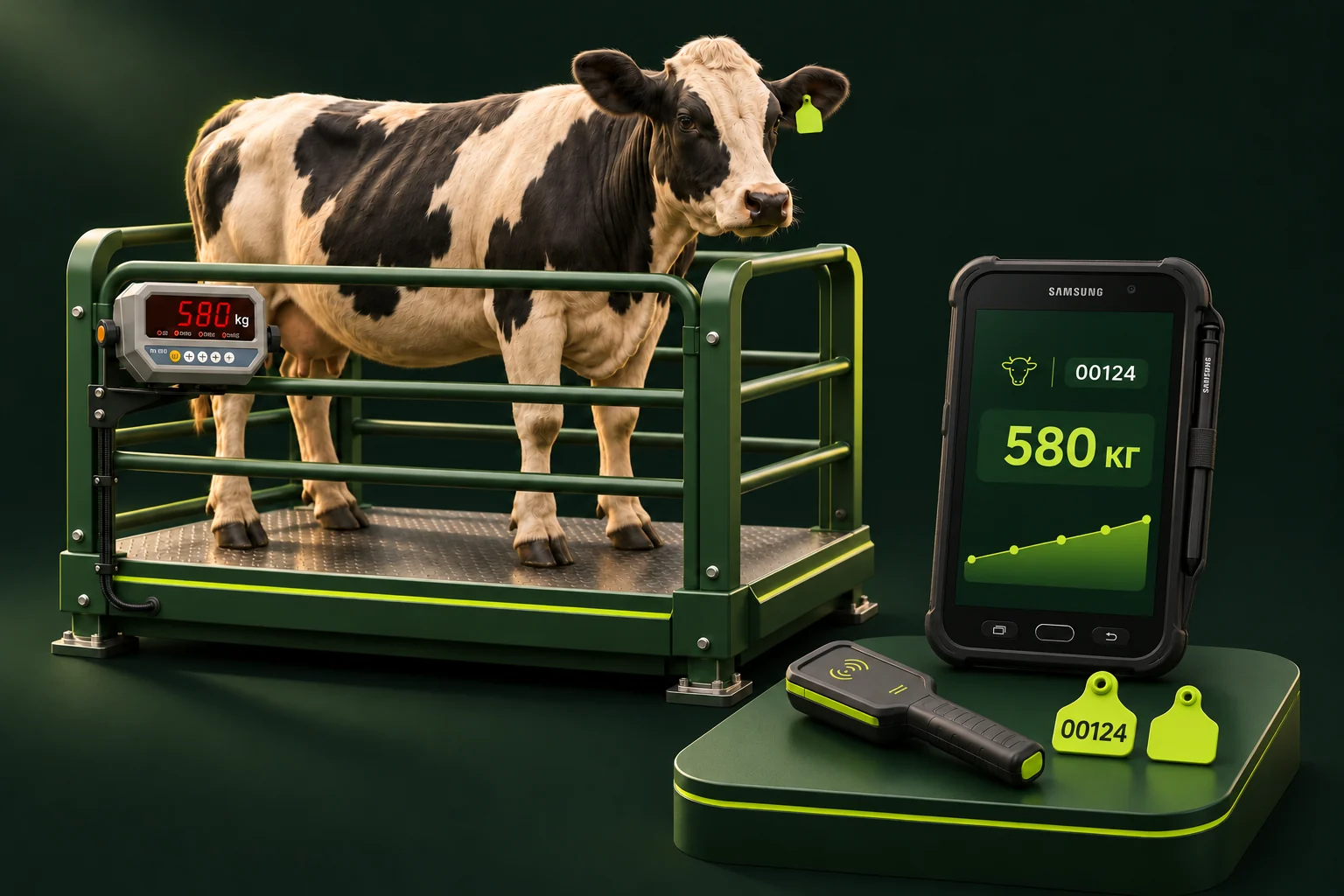
The project uses Android and has been developed with a Samsung Tab Active 2 and CT-002 reader. These are reference devices, not a certification list. Tags must match the reader and its output mode must suit the app. Test connections, multiple scans, reconnection and manual entry.
What to send for assessment
Send photos of the scales and indicator label, exact tablet and reader models, and tag details. Describe the weighing location and network access. We can then assess what can be reused, configured or added.
Illustrative workflow
Putting it into practice
Acceptance scenario: scan a tag, confirm the correct animal, save a test weighing and verify the server record. Repeat after a connection interruption. This checks the setup against your actual workflow.
Questions and answers
Must we replace our existing scales?
Not necessarily. We first assess the indicator and data output. The answer depends on the model and equipment condition.
Can we order a complete setup?
The package and supply terms are agreed after reviewing animals, load, working conditions and workstation count.